
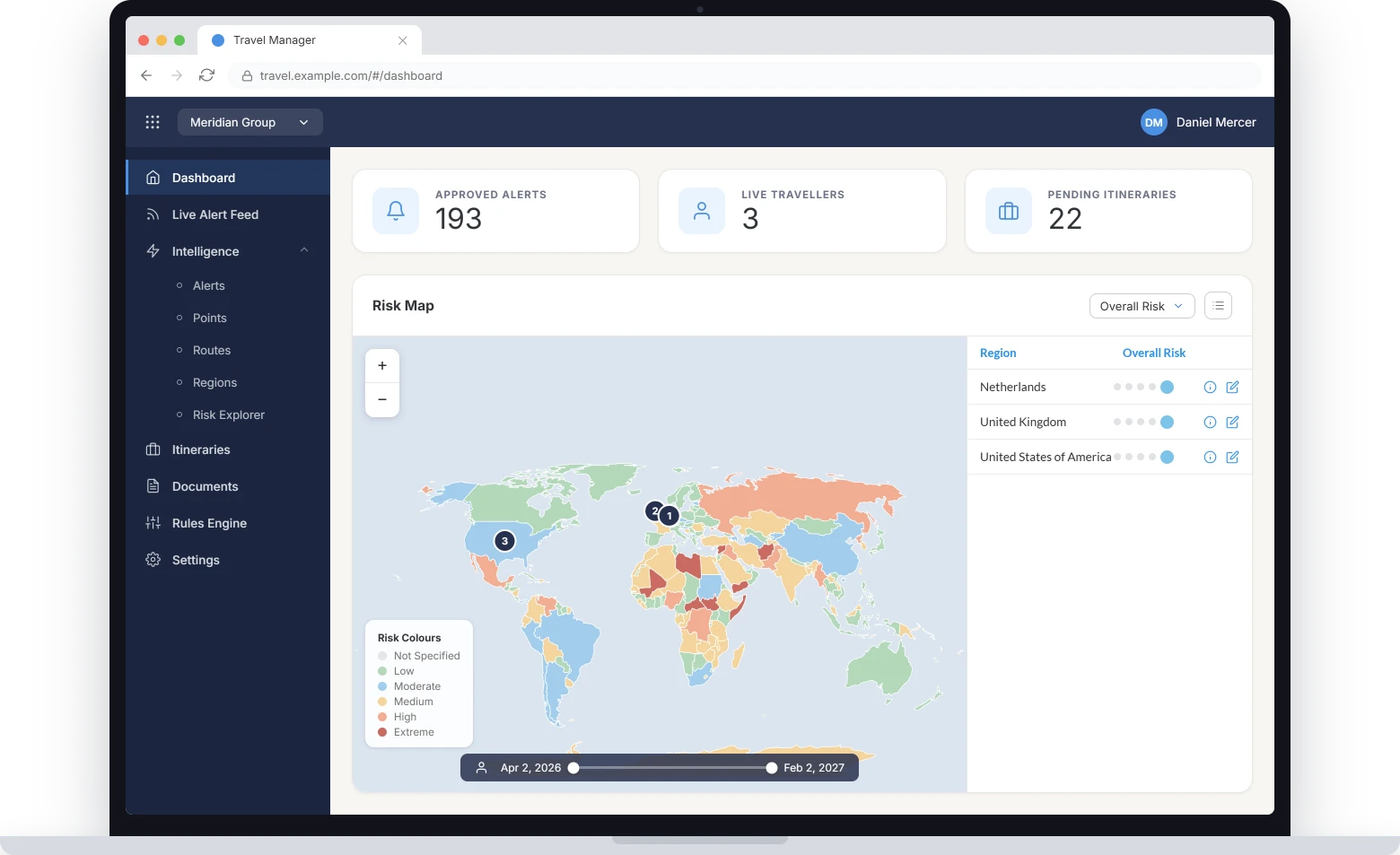
Security Portal
The operations center view: live positions, intelligence, and alerting in one console.
Trip Manager
Planned travel, itinerary detail, and traveler records for the people who own duty of care.
Traveler portal and app
The traveler's own record, plus the toolkit they carry in the field.
Reports Dashboard
Reporting on footprint, exposure, and response, scheduled or on demand.
Access follows the role
Every portal is role-based. You define what each role can see and what it can act on, so a regional manager, a duty officer, and a traveler open the same platform to different views and different permissions.
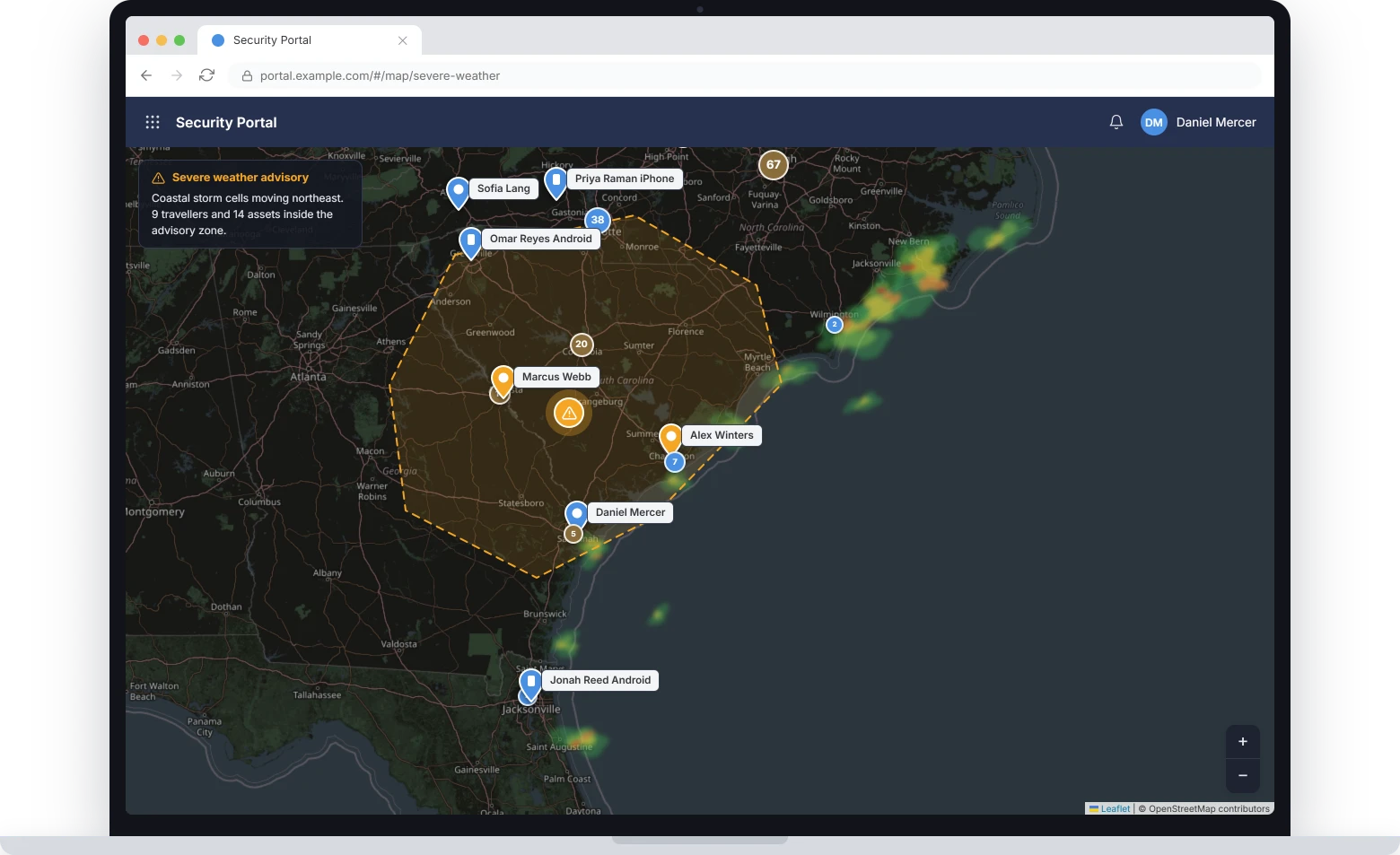
Security portal: traveler tracking
Built for the operations center floor
Operators watch traveler locations, physical assets, and planned travel on a single map. Global intelligence alerts flag security, medical, and travel disruption as it happens.
We don't replace your GSOC. We make it better.
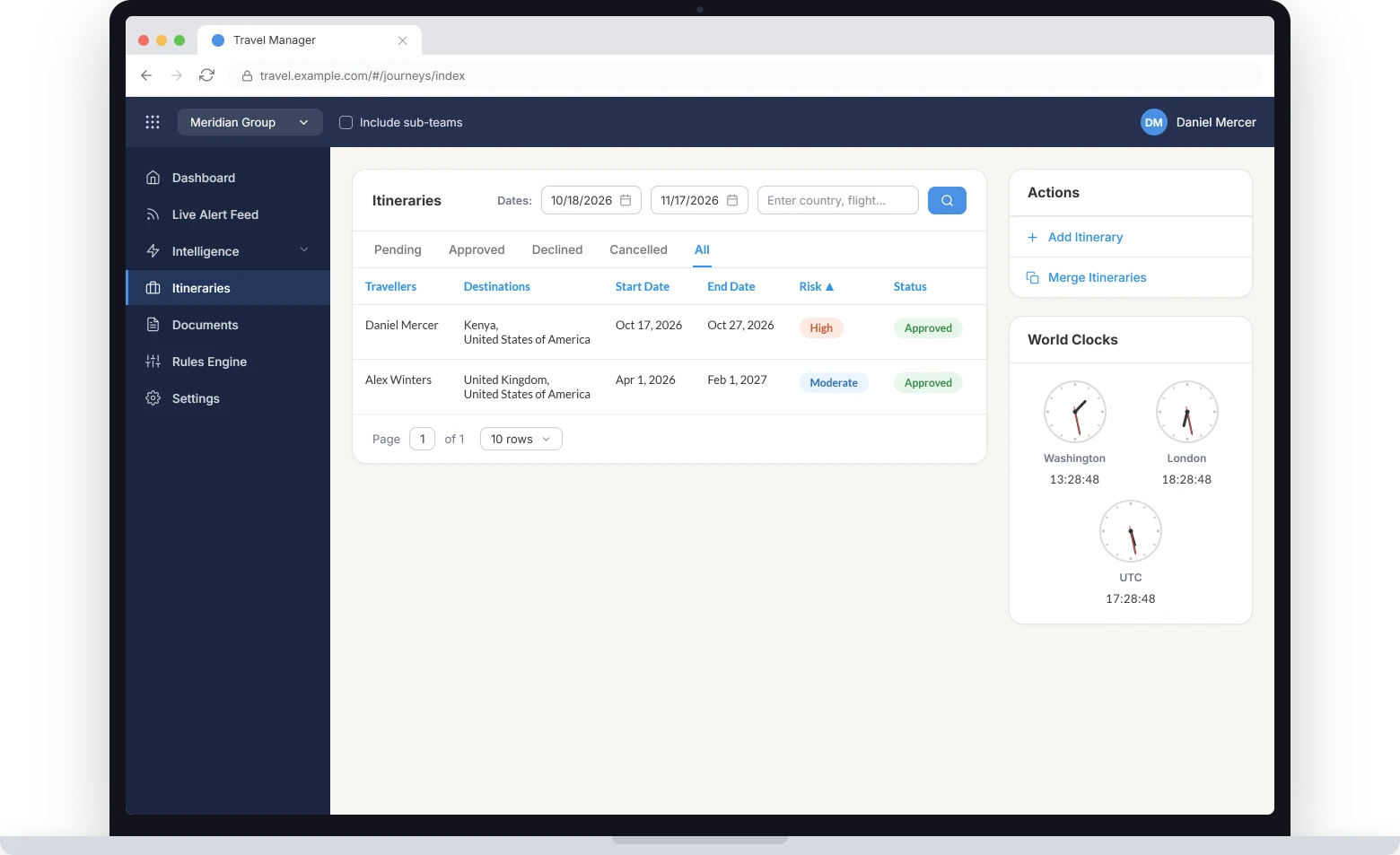
Trip manager
Every travel detail in one record
Flights, accommodation, and ground transportation sit in one record, so updates and destination alerts reach the traveler before they need them.
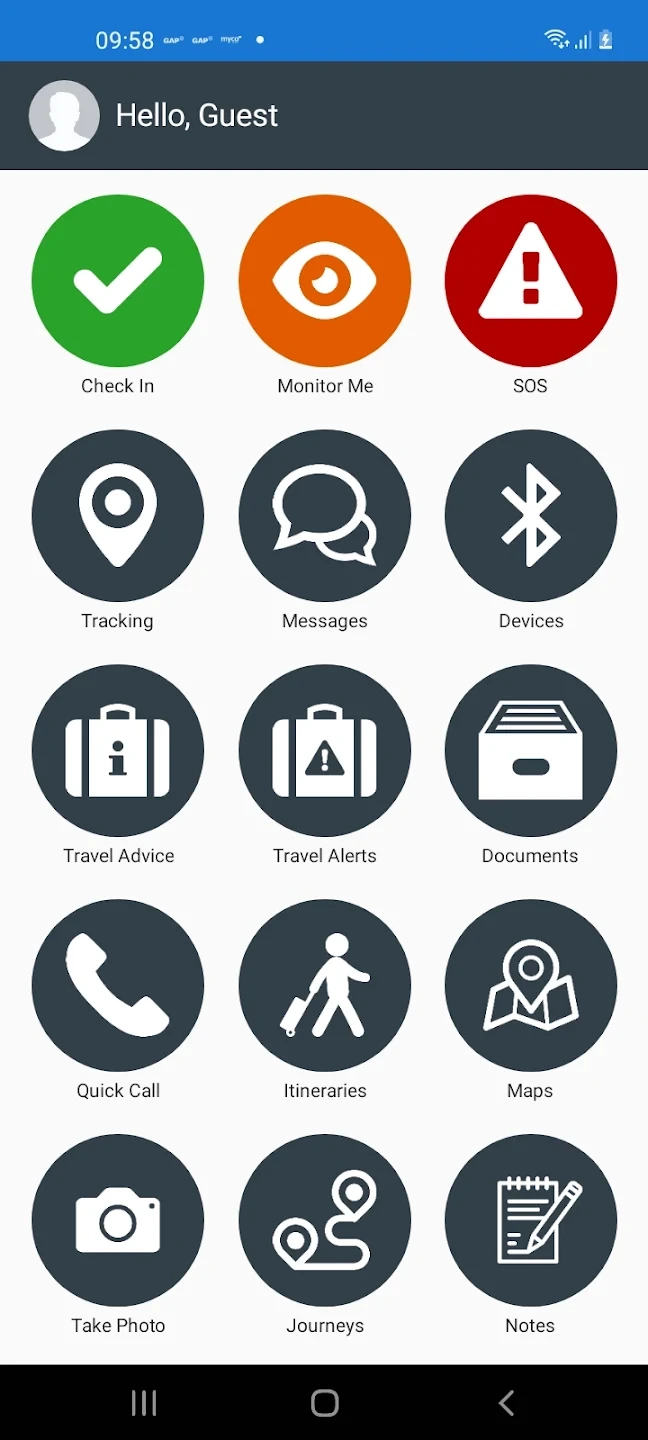
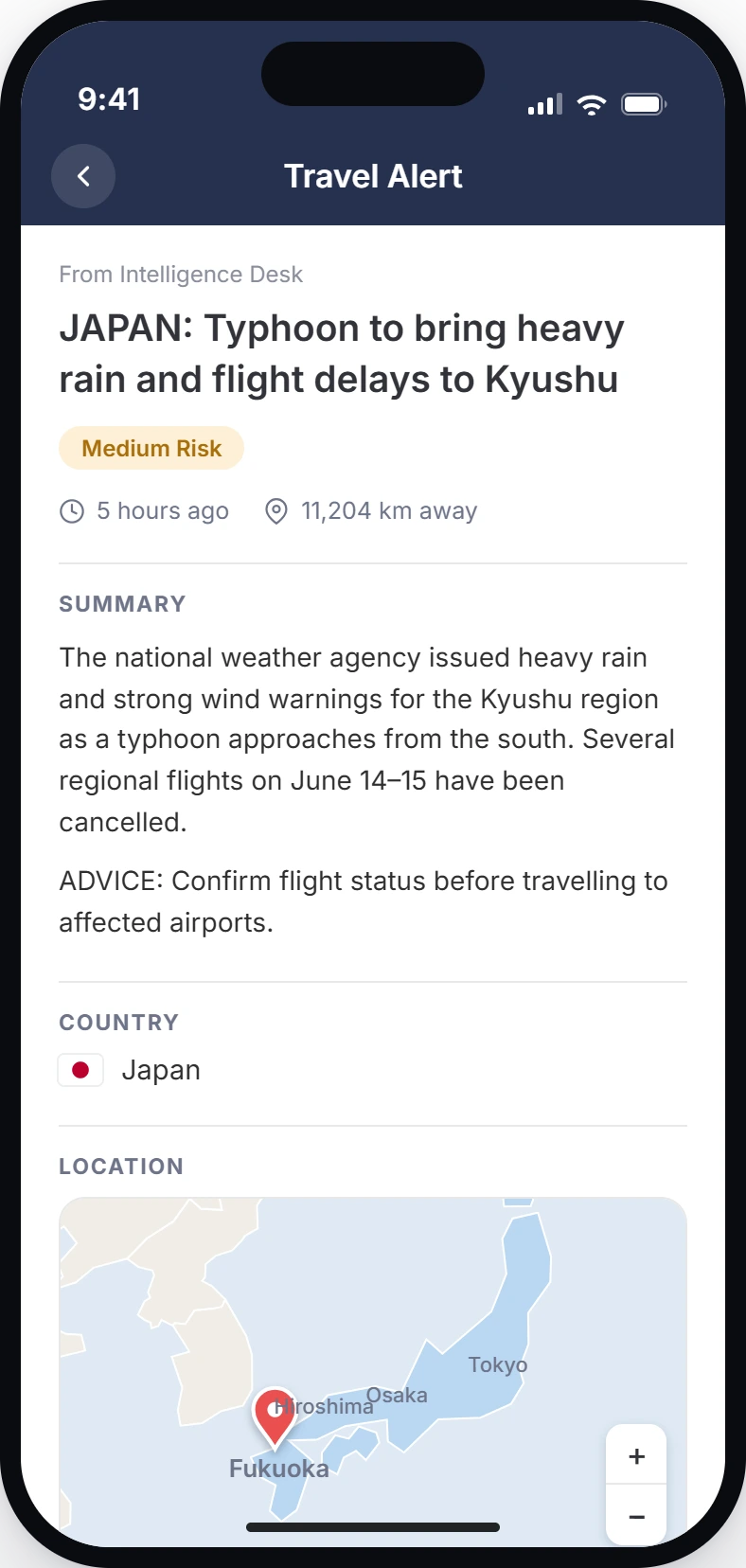
Select a screen to enlarge it
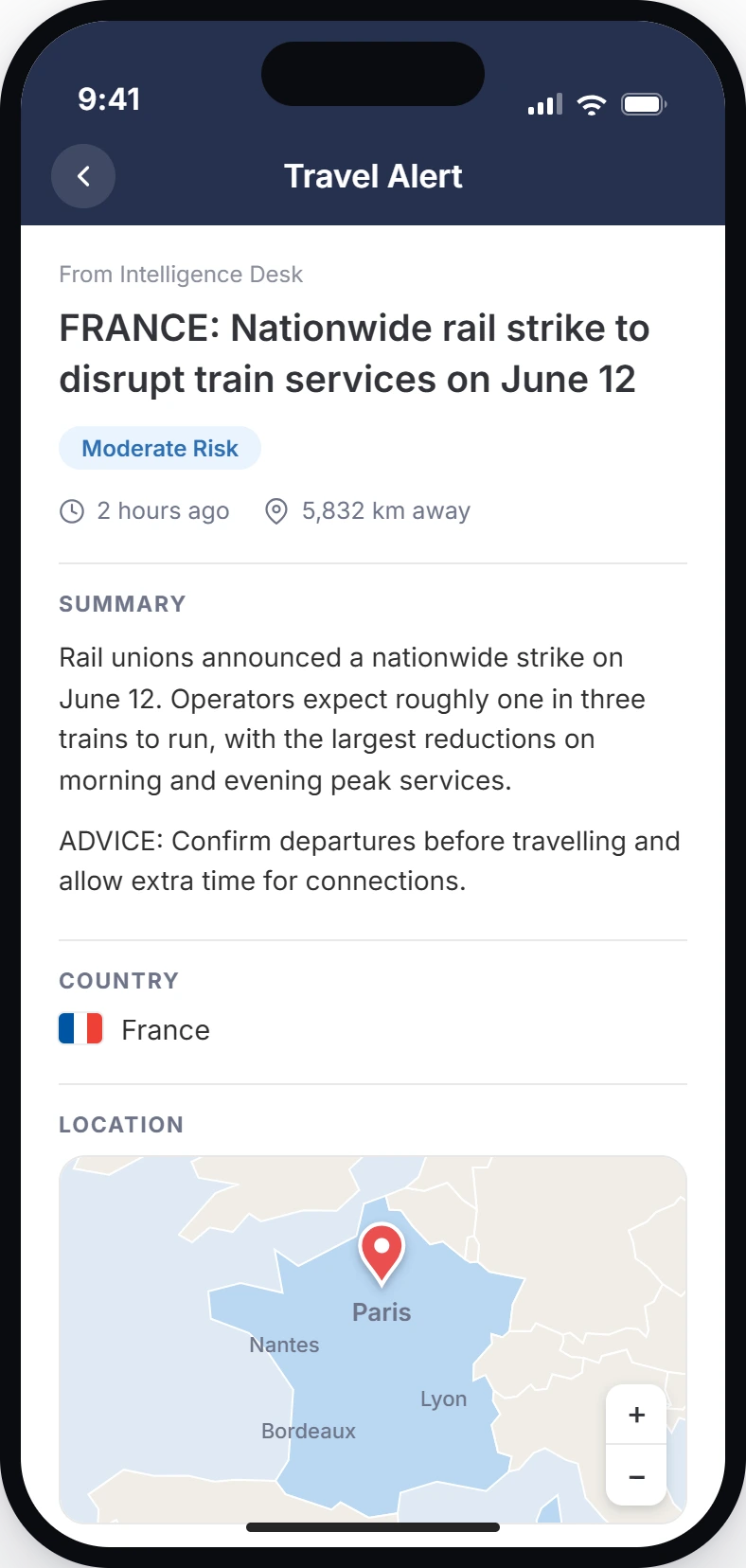
Traveler portal and safety app
Travelers keep their own record current
Travelers maintain their own trips, devices, personal details and emergency contacts — in the web portal before they go, and in the app once they are moving. Everything they need is one tap from the front page, and what they do there lands in the operations center immediately.
The app carries your own branding, and every tile below is switched on or off per client. Deploy the full set, or only the tools a given population should have.
When something goes wrong
Before and during the trip
Keeping the record current
Mass communications and alerting
Reach everyone, or exactly the right group
The mass comms module reaches your entire staff, or a single group, office, or region, over SMS, email, in-app message, push, and interactive voice. Messages go out from the same screen as the live map, so notification happens where the response is already being run.
Send to
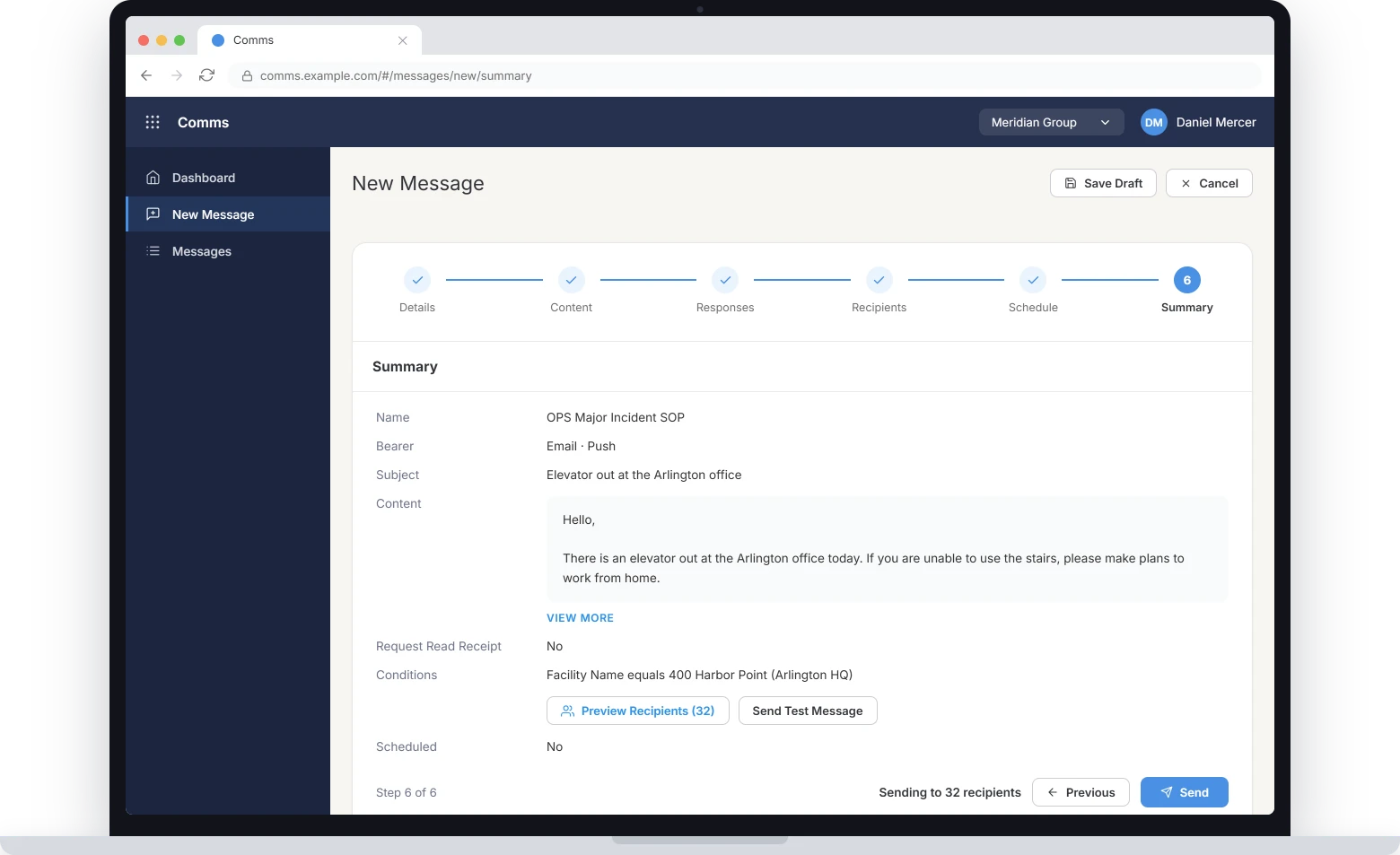
Compose once, deliver over every channel the recipient has.
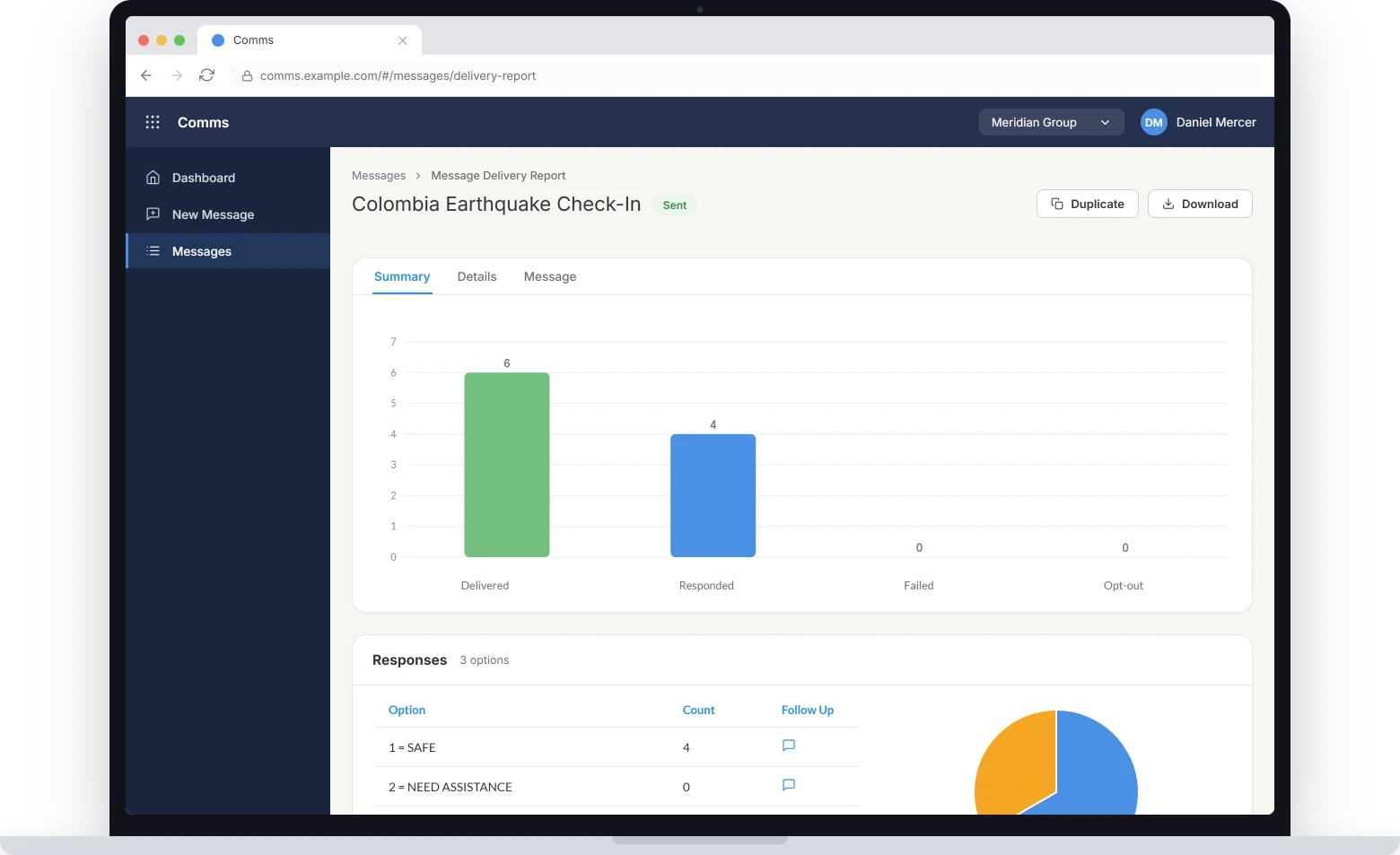
Delivery and responses reported per message, down to each recipient.
Rules engine
The rules engine is not a feature. It is what the platform runs on.
A rule can fire on a device event, an intelligence alert, or a change to an itinerary. It can do far more than send a message: escalate to an on-call officer, start a check-in cadence, publish an advisory, open a workflow, or reach back into a tracker and change its settings mid-incident.
And rules stack. The outcome of one becomes the trigger for the next, which is how a single alert turns into a graduated response instead of a notification.
Triggers
What starts a rule.
Conditions
What narrows it.
Actions
Whichever ones you already have. CI360™ integrates commercial intelligence feeds, and your own analysts can write and publish reporting through the same channels your travelers already read. We can also provide turn-key intelligence integrations from any of our intelligence partners.
Stacked, this is what one alert becomes
When a critical intelligence alert lands within 25 km of a traveler, raise their tracker to five-minute reporting and send a check-in request.
When that check-in goes unanswered for fifteen minutes, notify the duty officer and the regional manager by SMS and voice.
When two or more people in the same city are unanswered, open a group incident and message everyone in the region.